Back
Google Messages Google Messages
Extensions Framework
Making Messages an open platform through extensions
Role
0→1 Product strategy
End-to-end experience
Partner alignment and socialization
Summary
Extensions Framework overview

A persistent problem seen in Research is that the chronological format of chats makes it difficult for users to stay engaged with ongoing activities due to the need of constantly scrolling back in time for context.

I developed a framework that provides users a more efficient way to get back to the information they need without the hassle of scrolling.

This framework allows 1P/3P developers to build their own experiences on top of Google Messages
Basic Interaction
Sender
Receiver
Sender and Receiver view

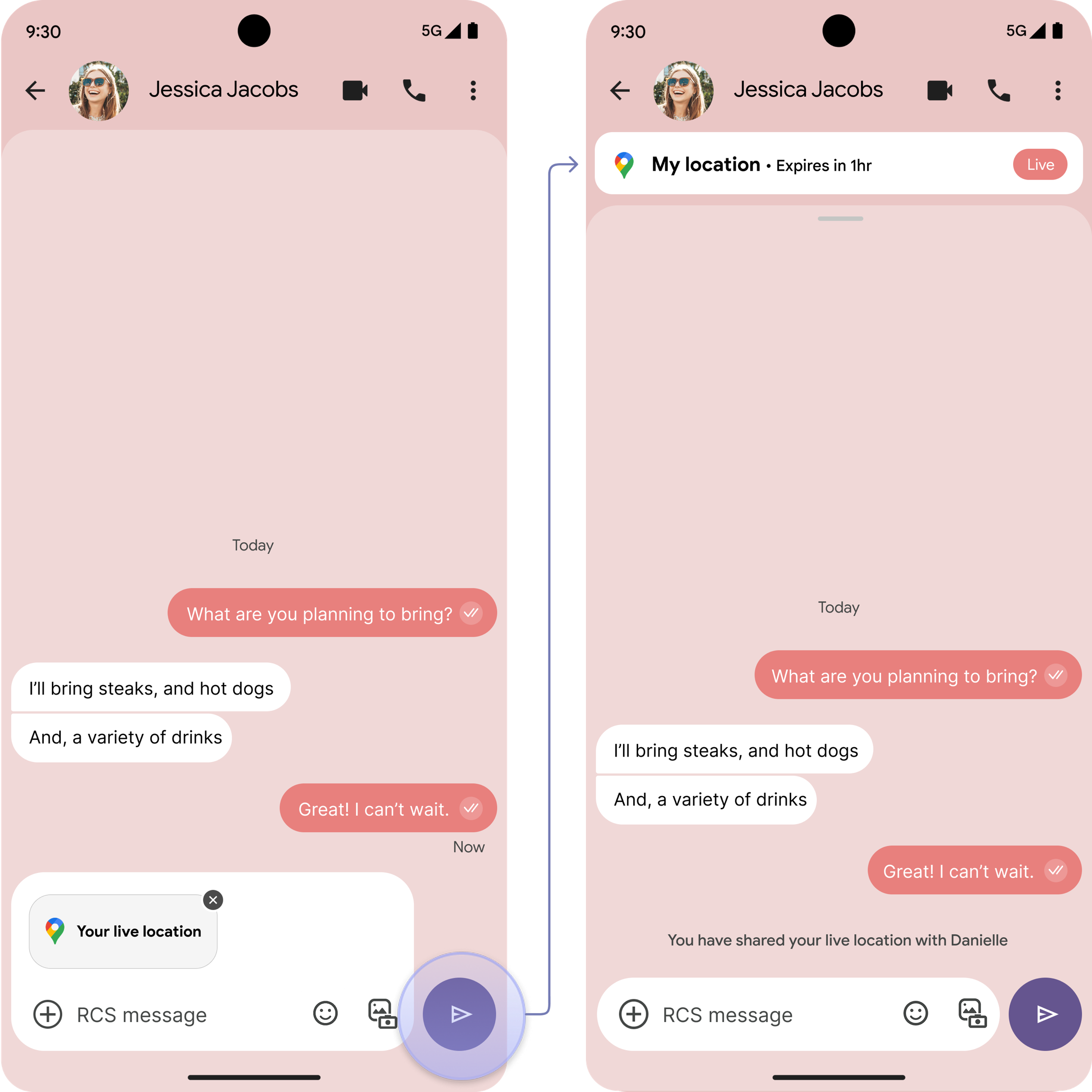
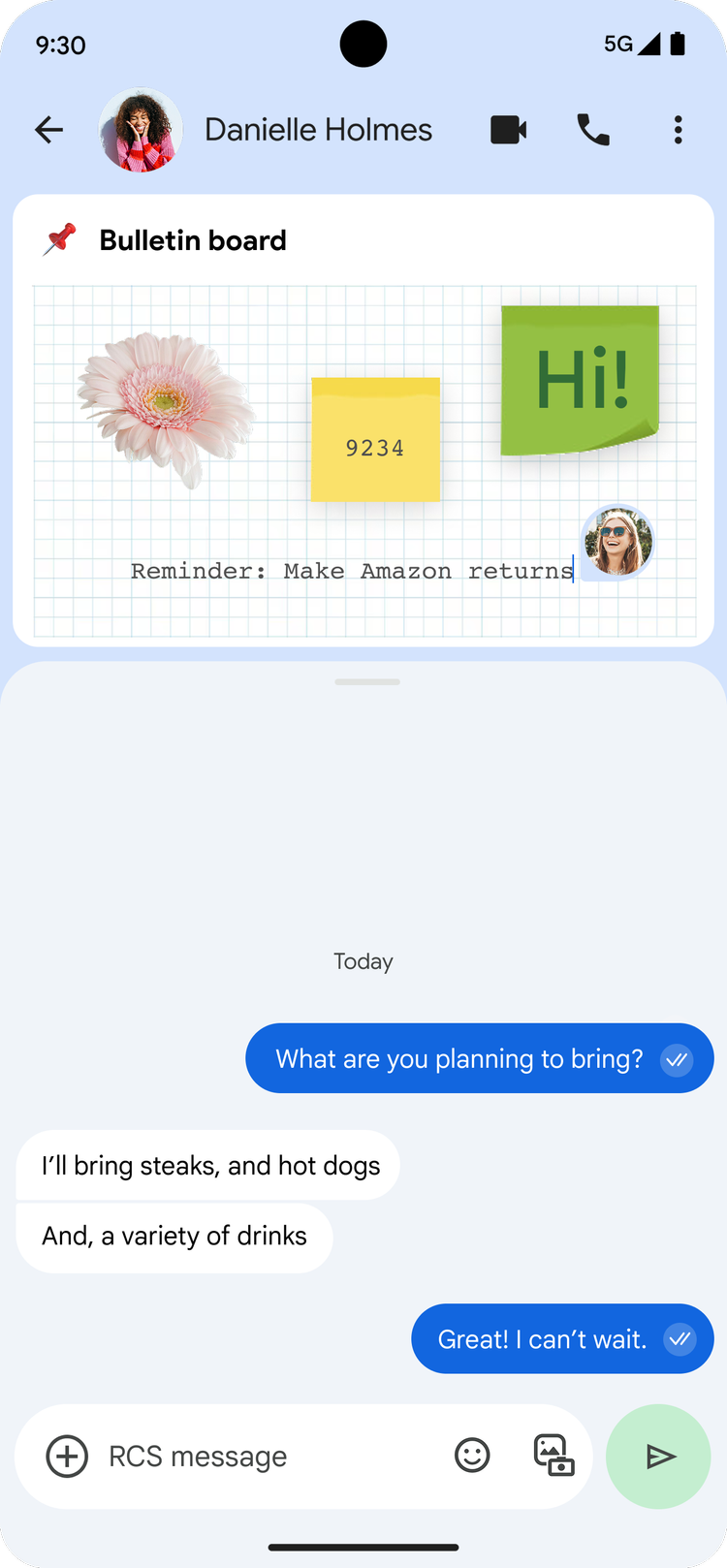
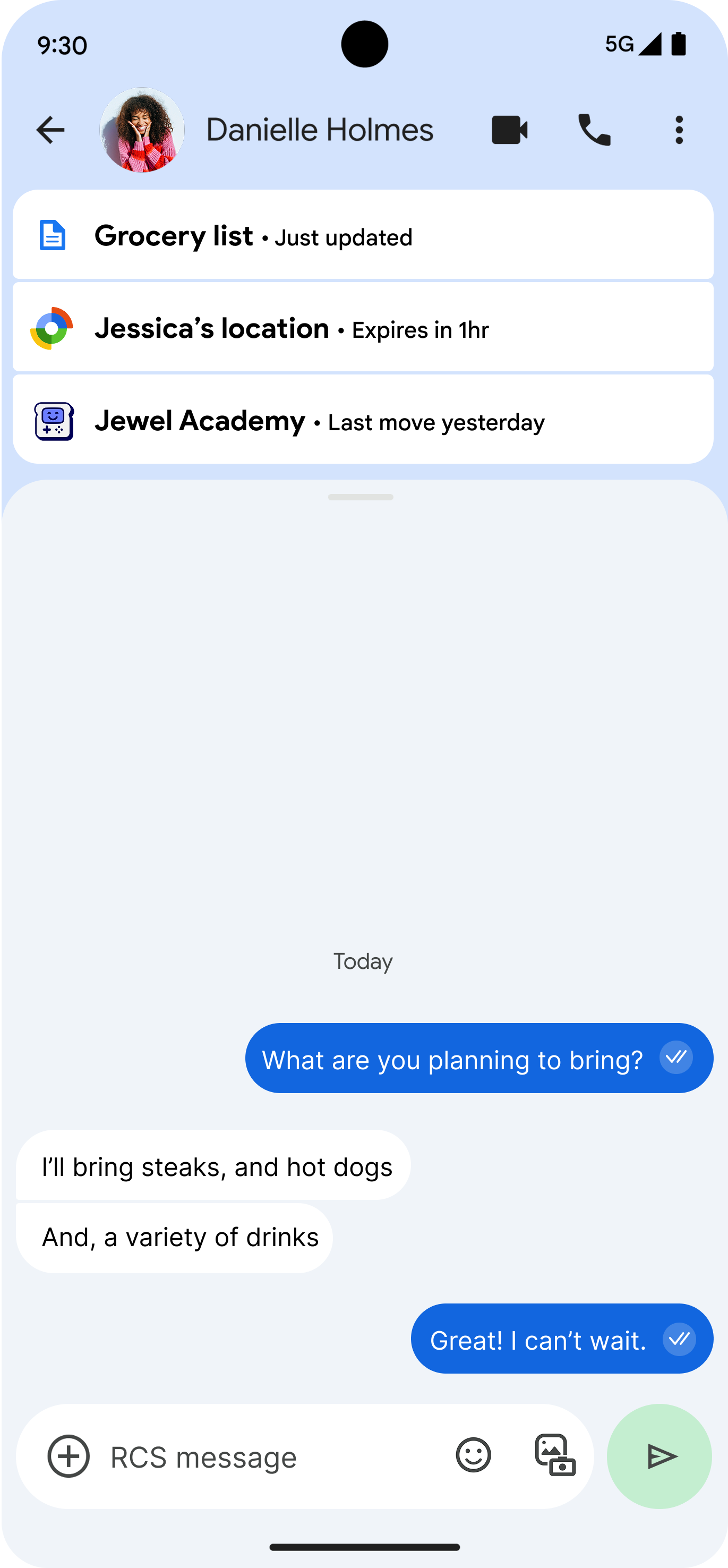
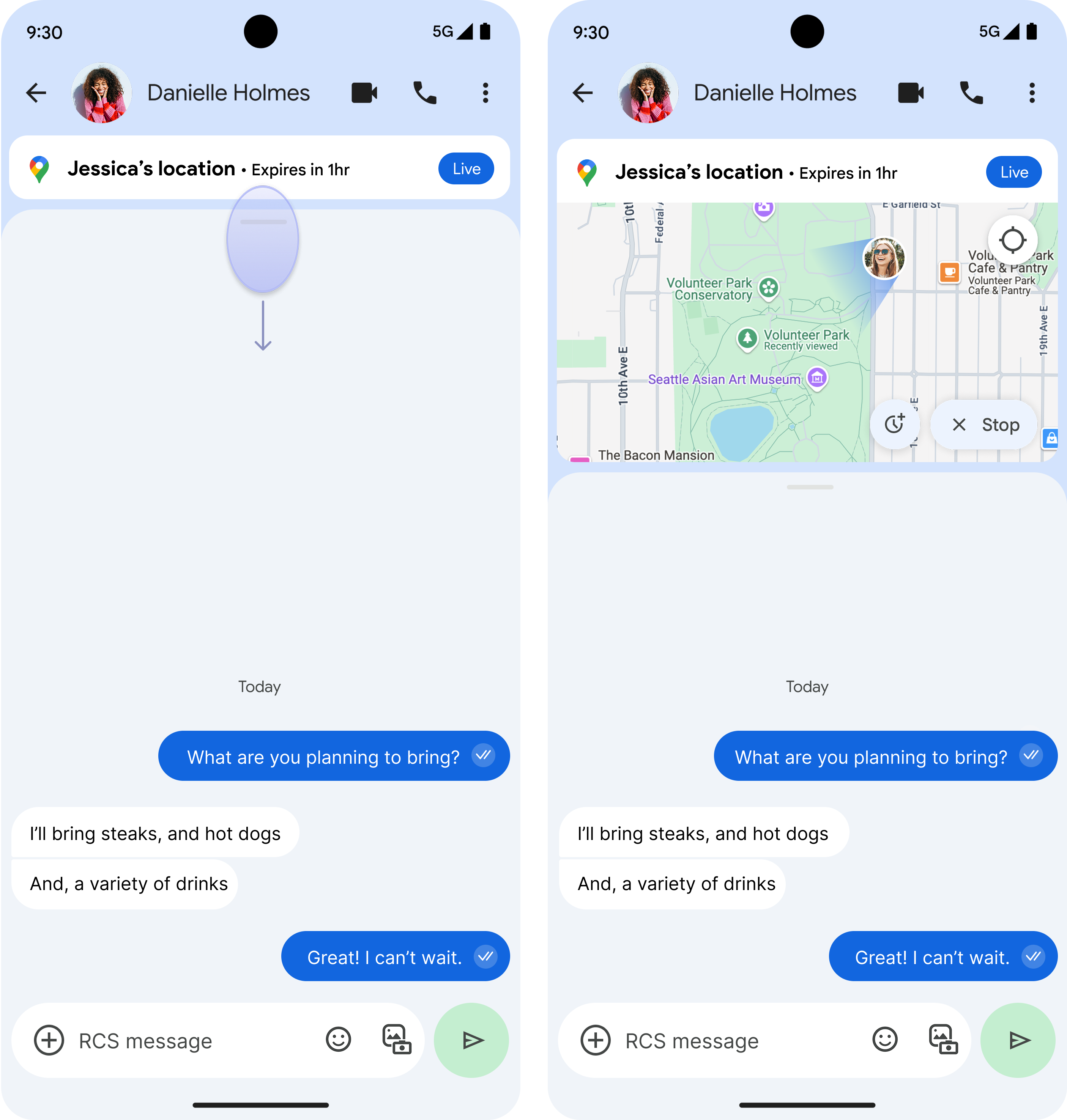
This framework allows developers to build experiences where extensions are sent as pinned toasts for easy access. The sender and receiver have a shared view of the extension.

Different states
State 1
State 2
State 3

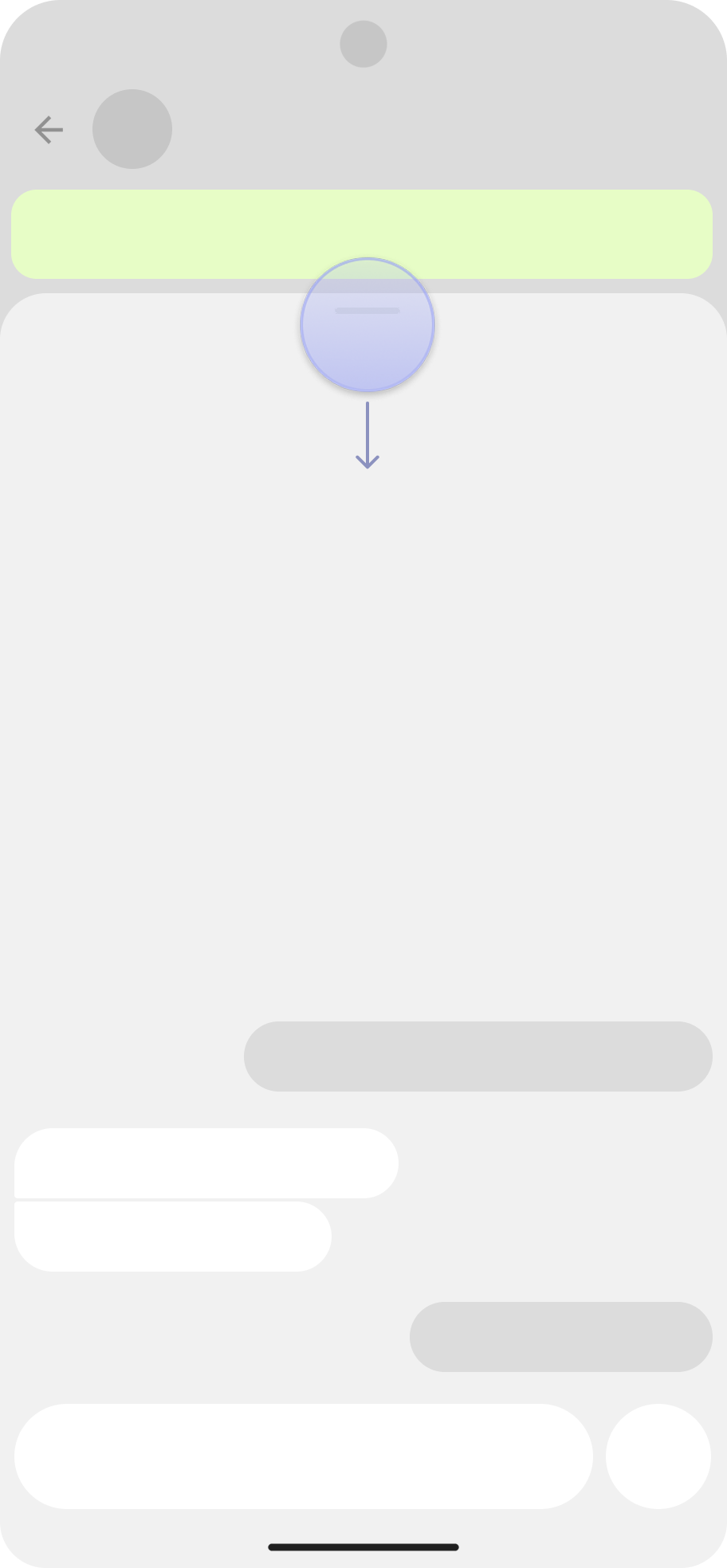
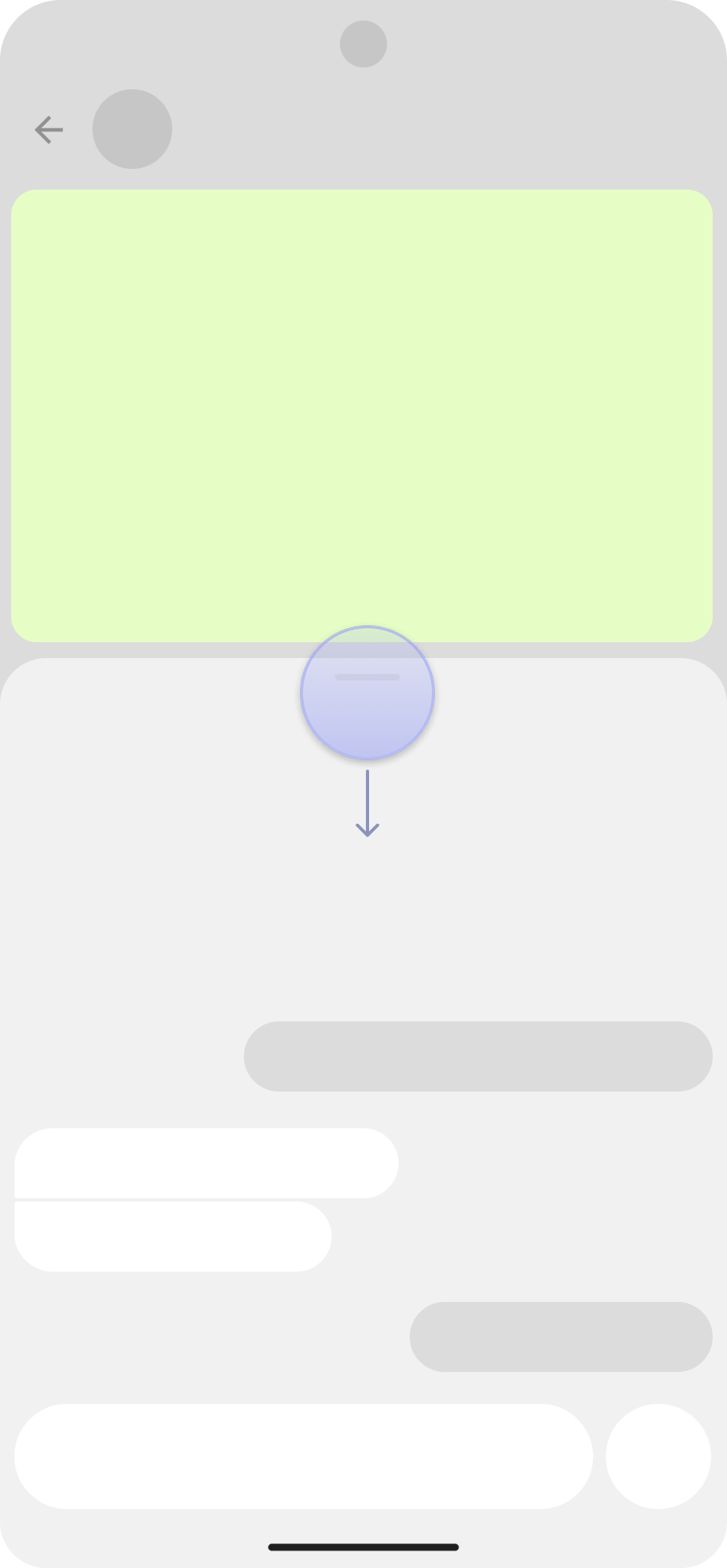
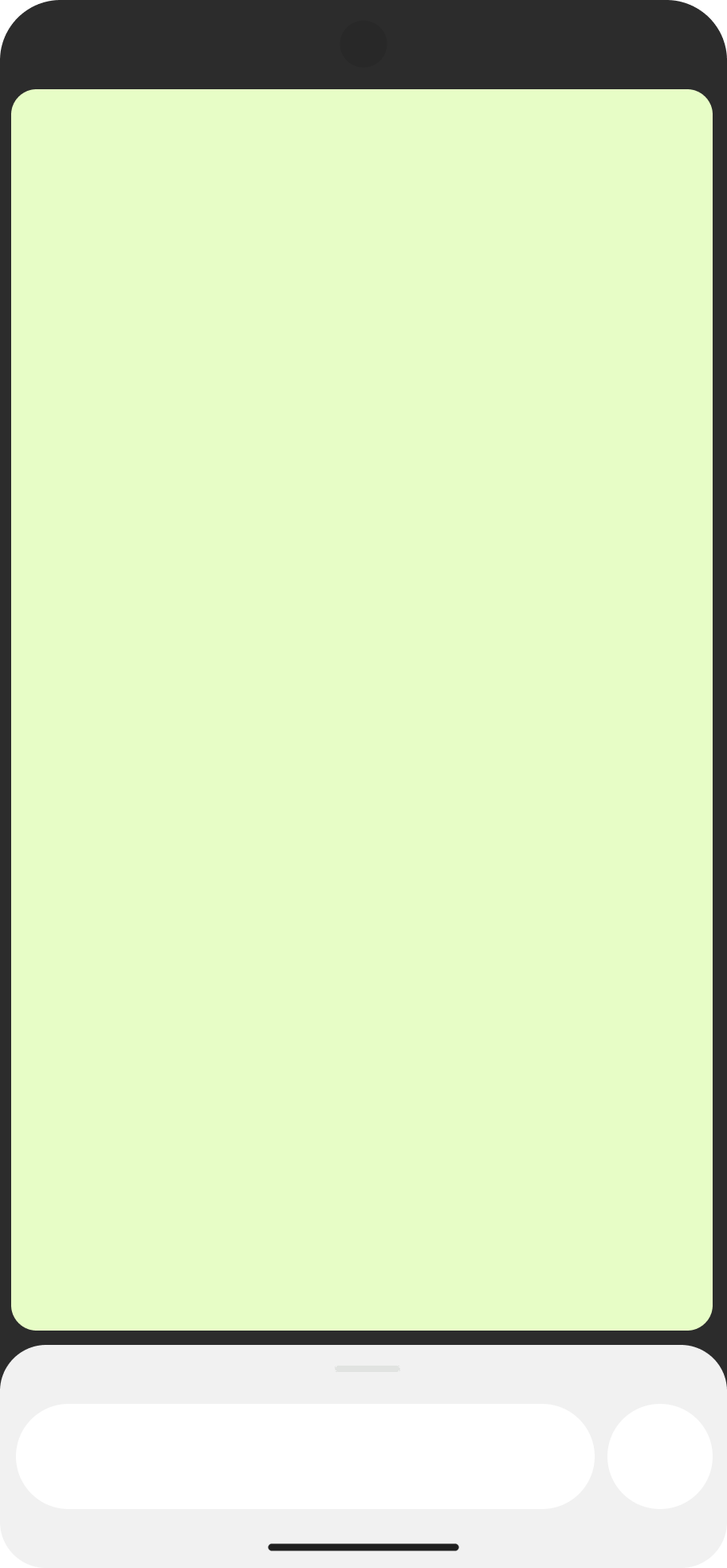
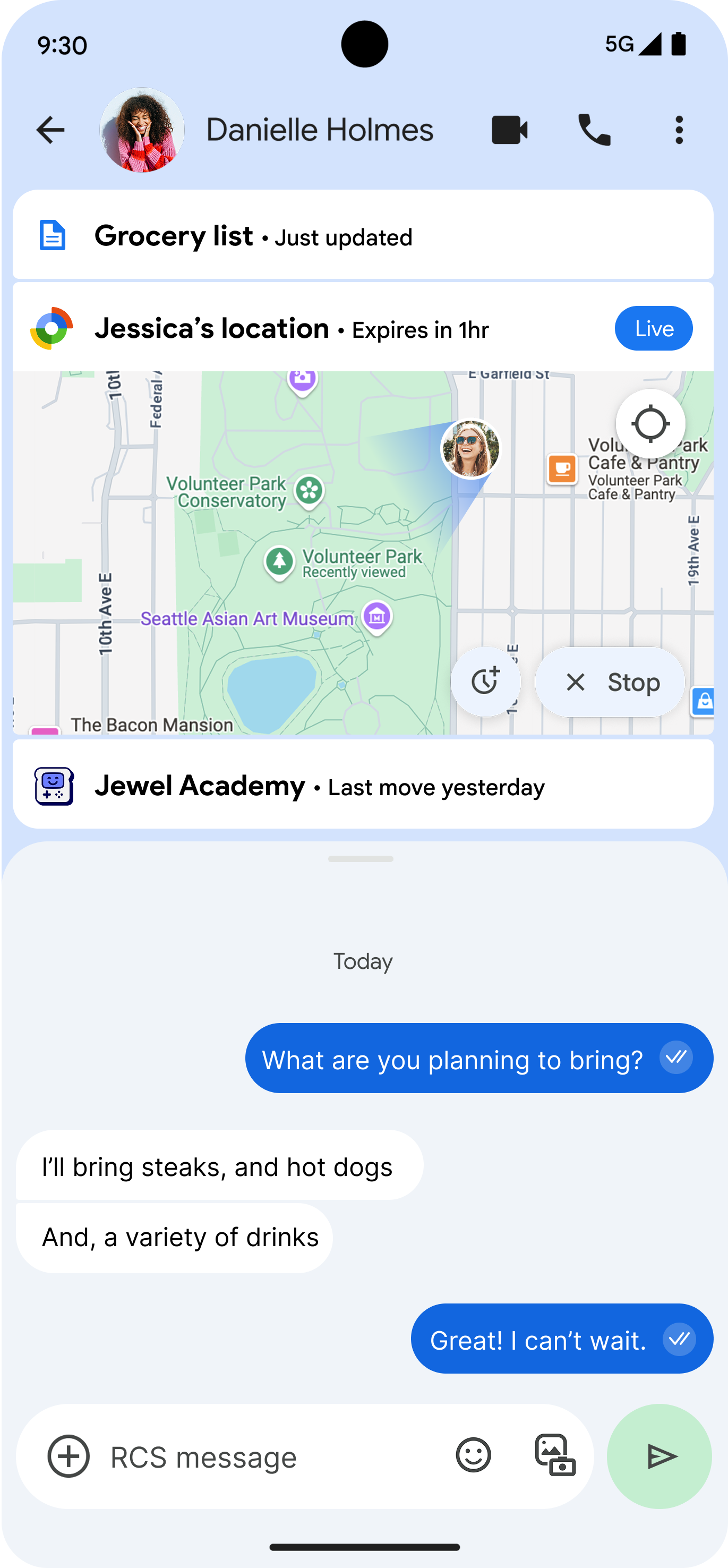
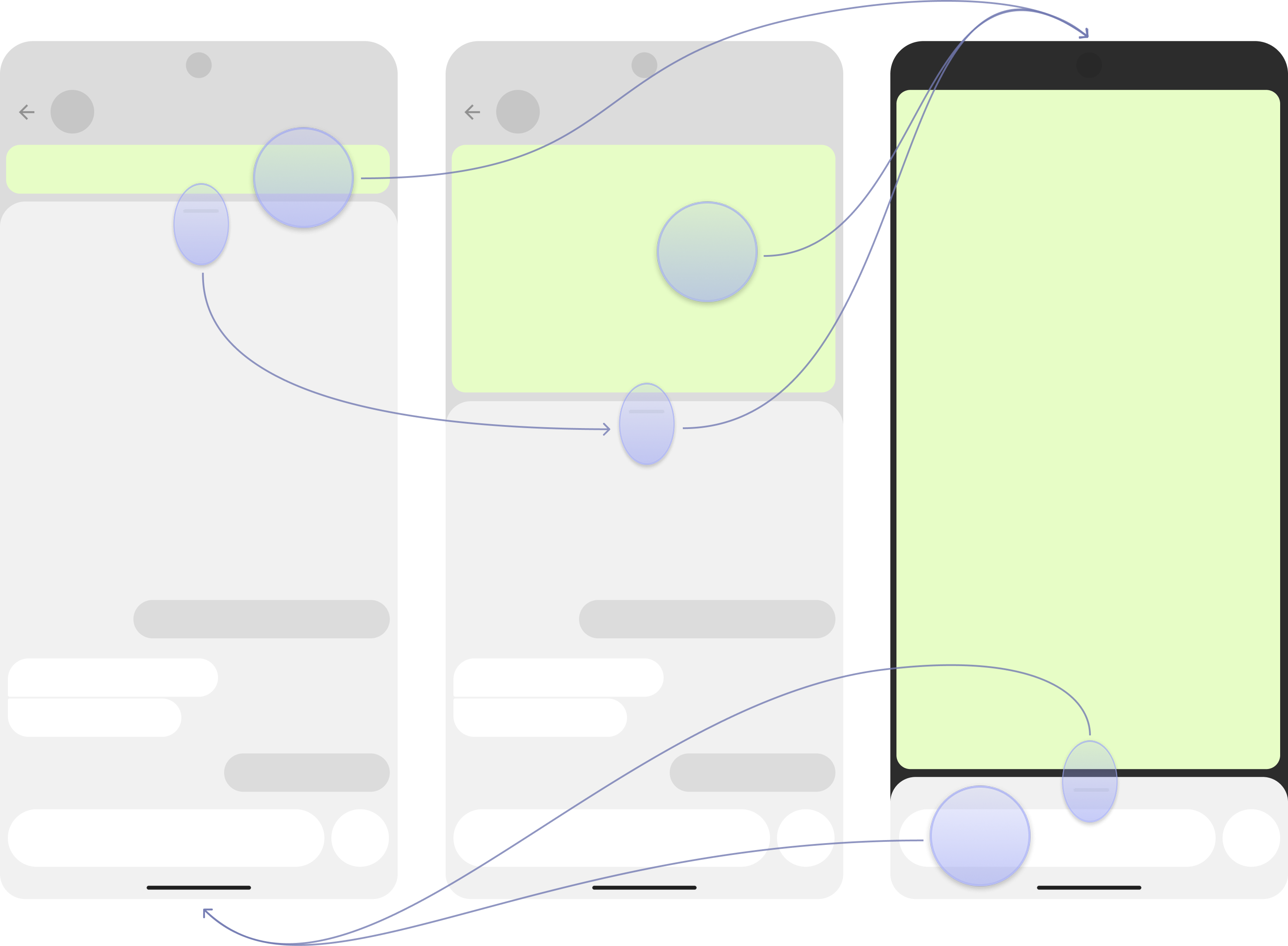
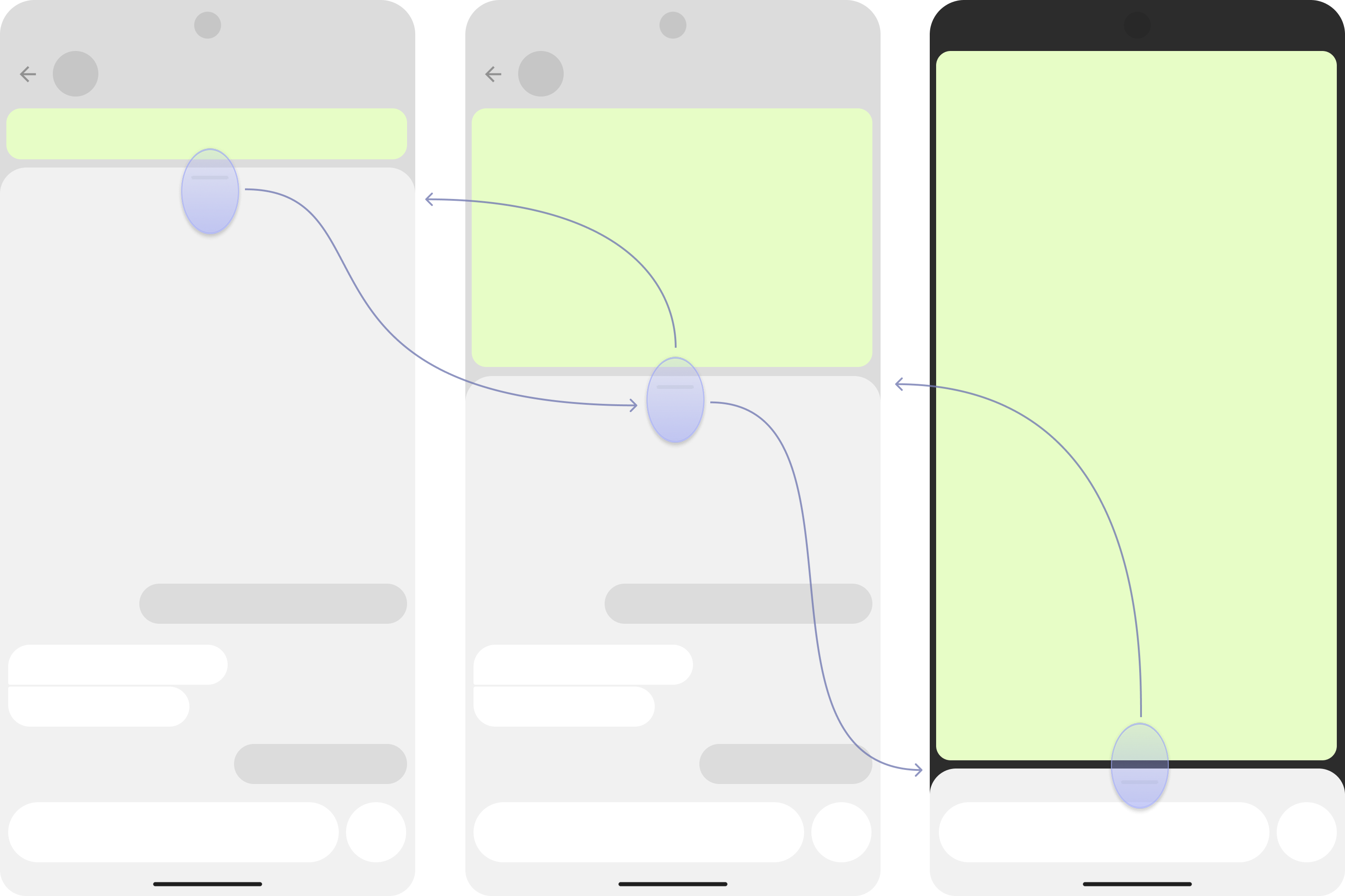
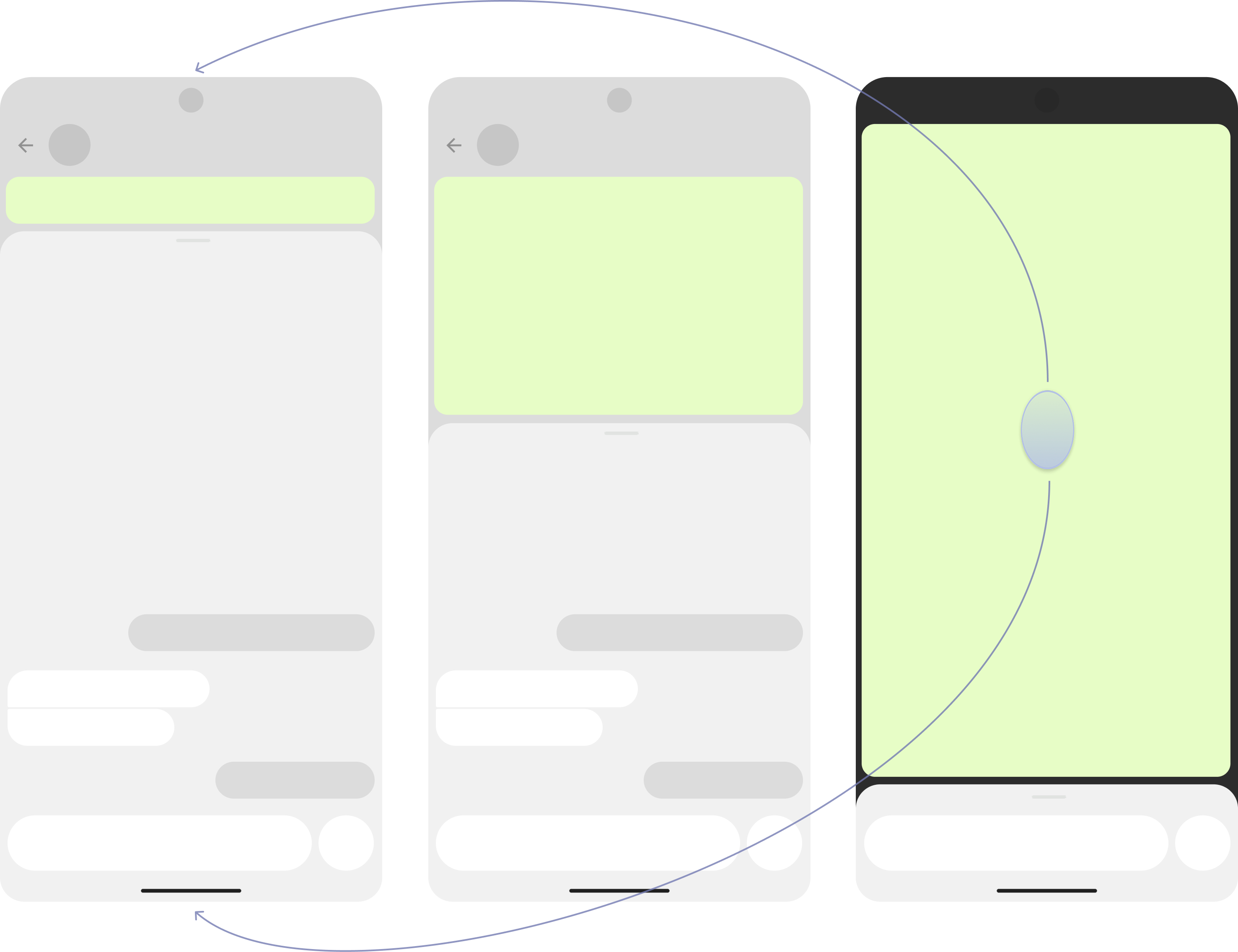
The experience has 3 different states: small, medium, large. When the recipient receives a pinned toast, they may opt to expand it to a half or full screen depending on need.

Extensibility
Extensibility 1
Extensibility 2
Extensibility 3

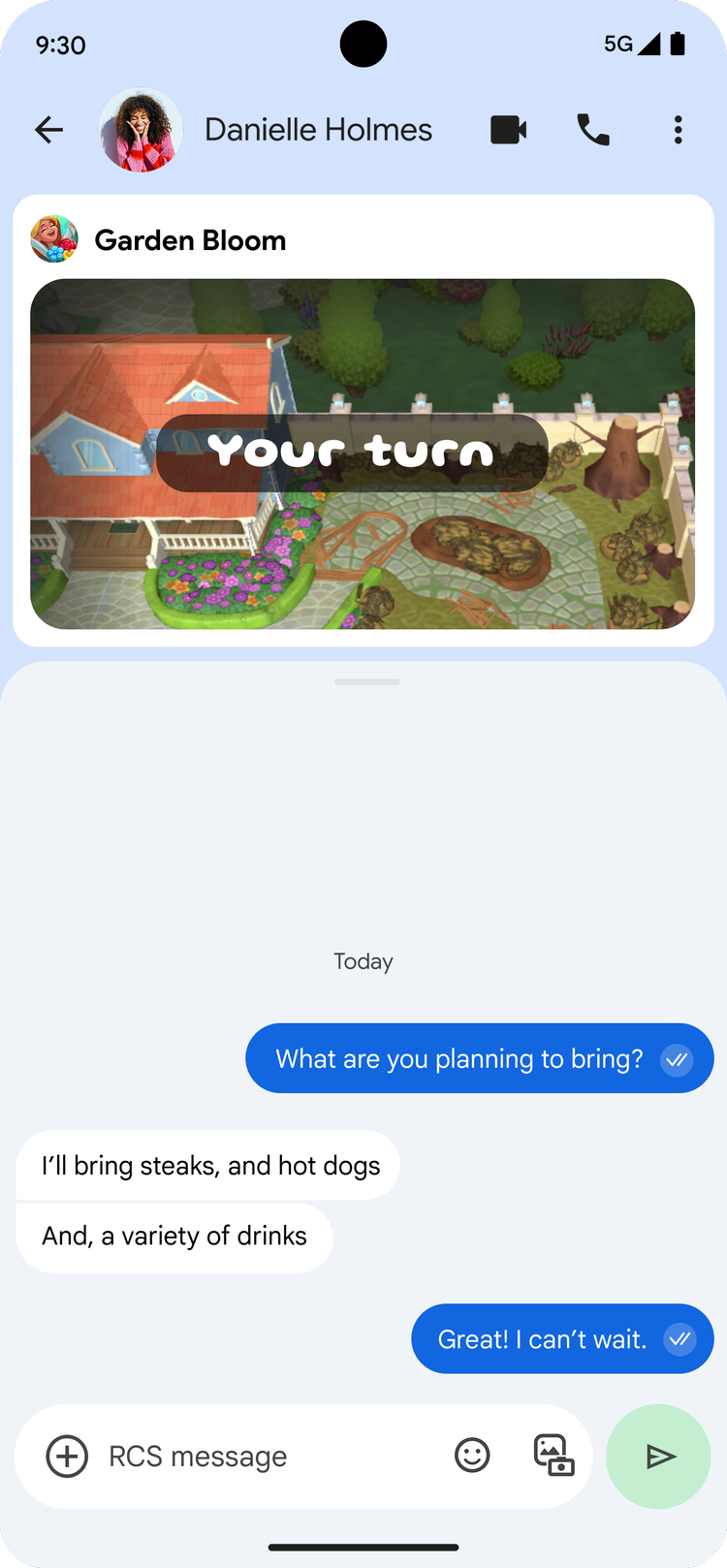
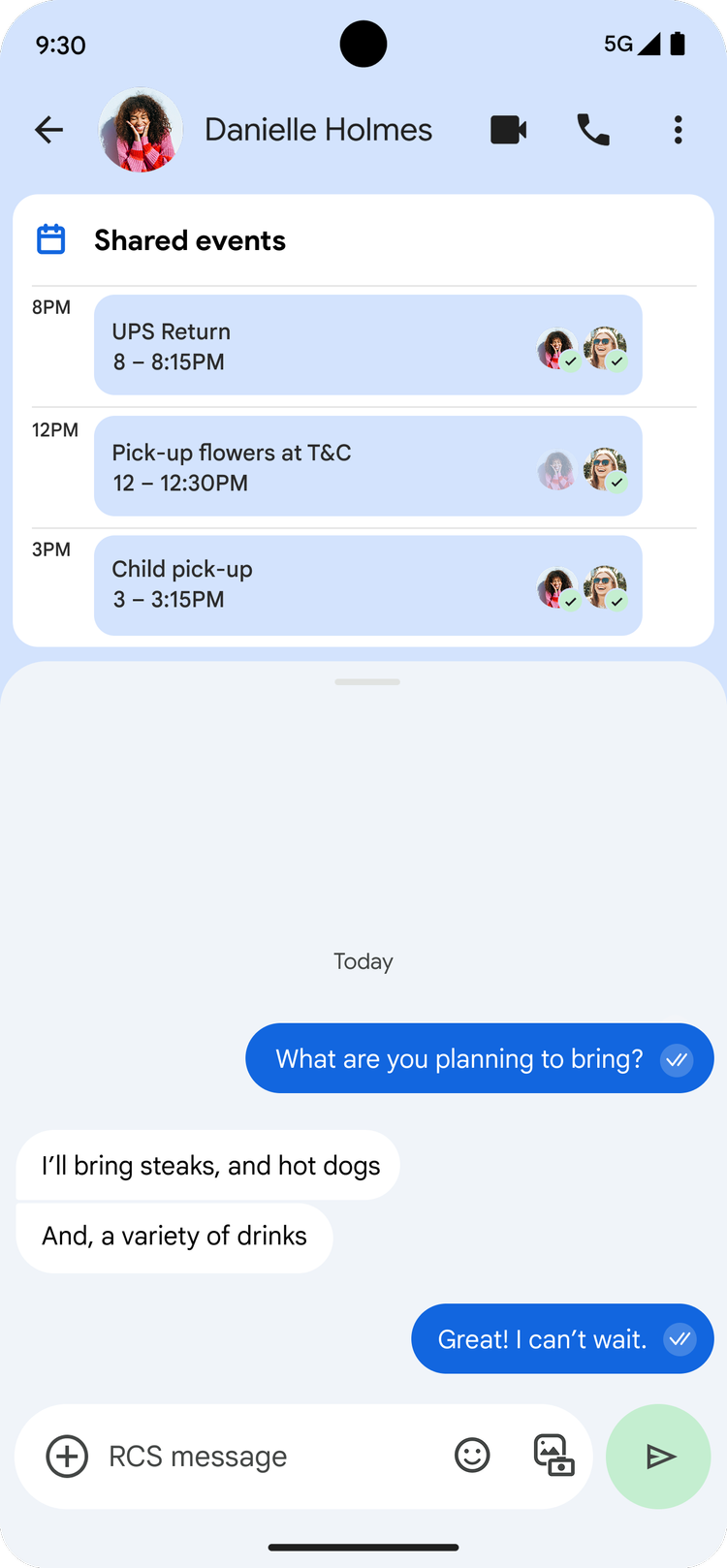
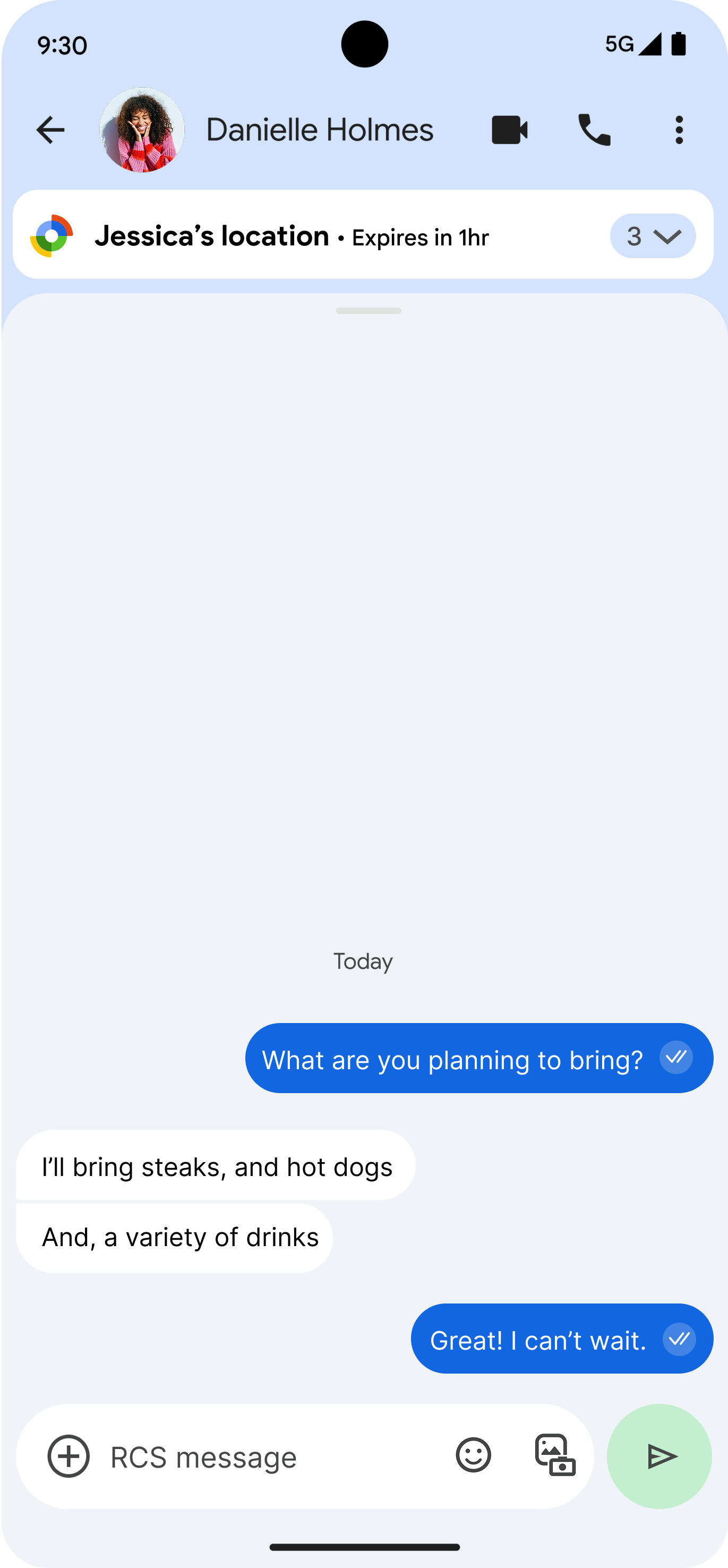
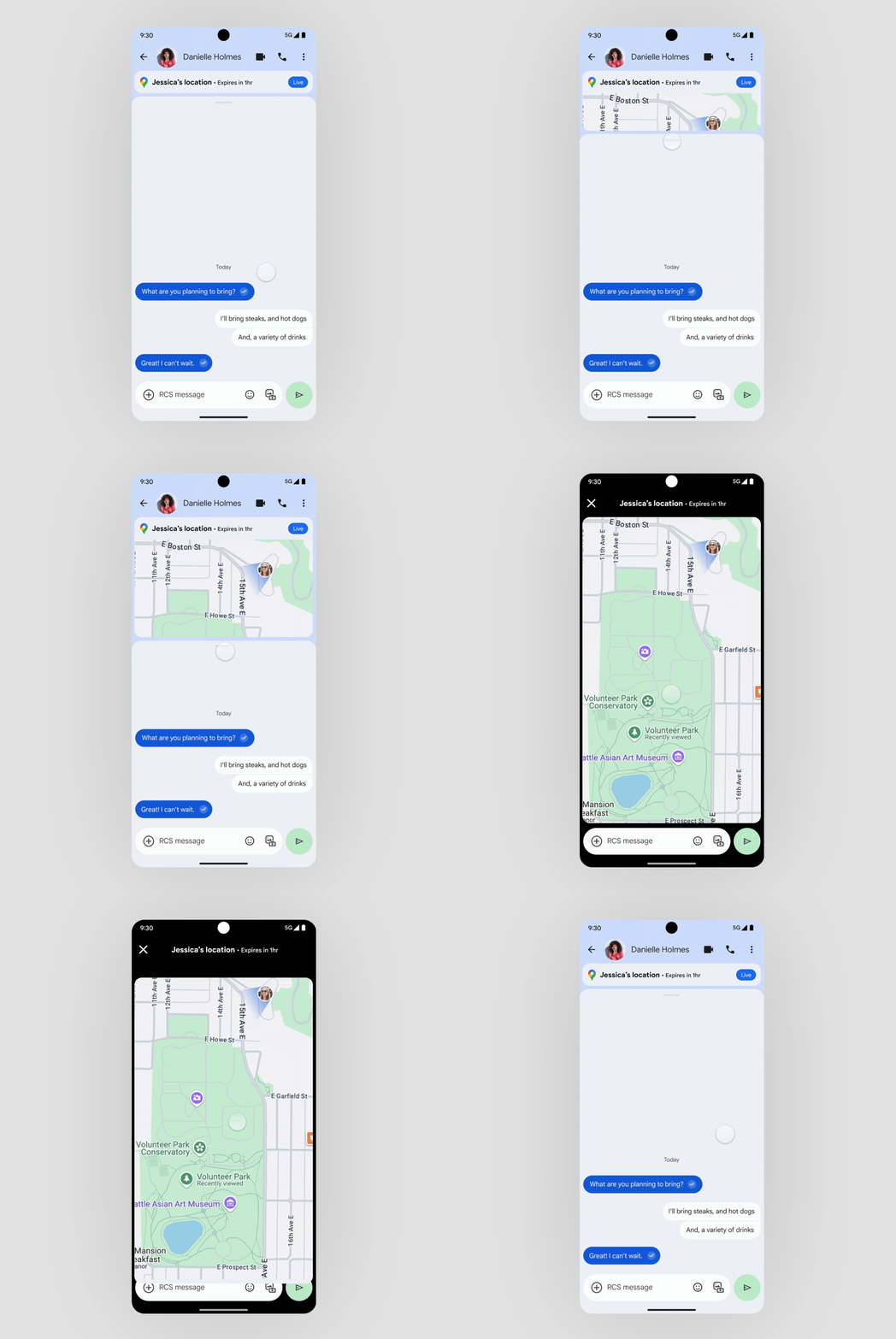
Whether drafting a notes doc, playing a shared game, viewing shared calendar events or sharing a live location, users can stay in the context of their ongoing activity with the ability to also view contents of the toast for a split-screen view.

Gesture & swipe system
Gesture system 1
Gesture system 2
Gesture system 3
Gesture system 4

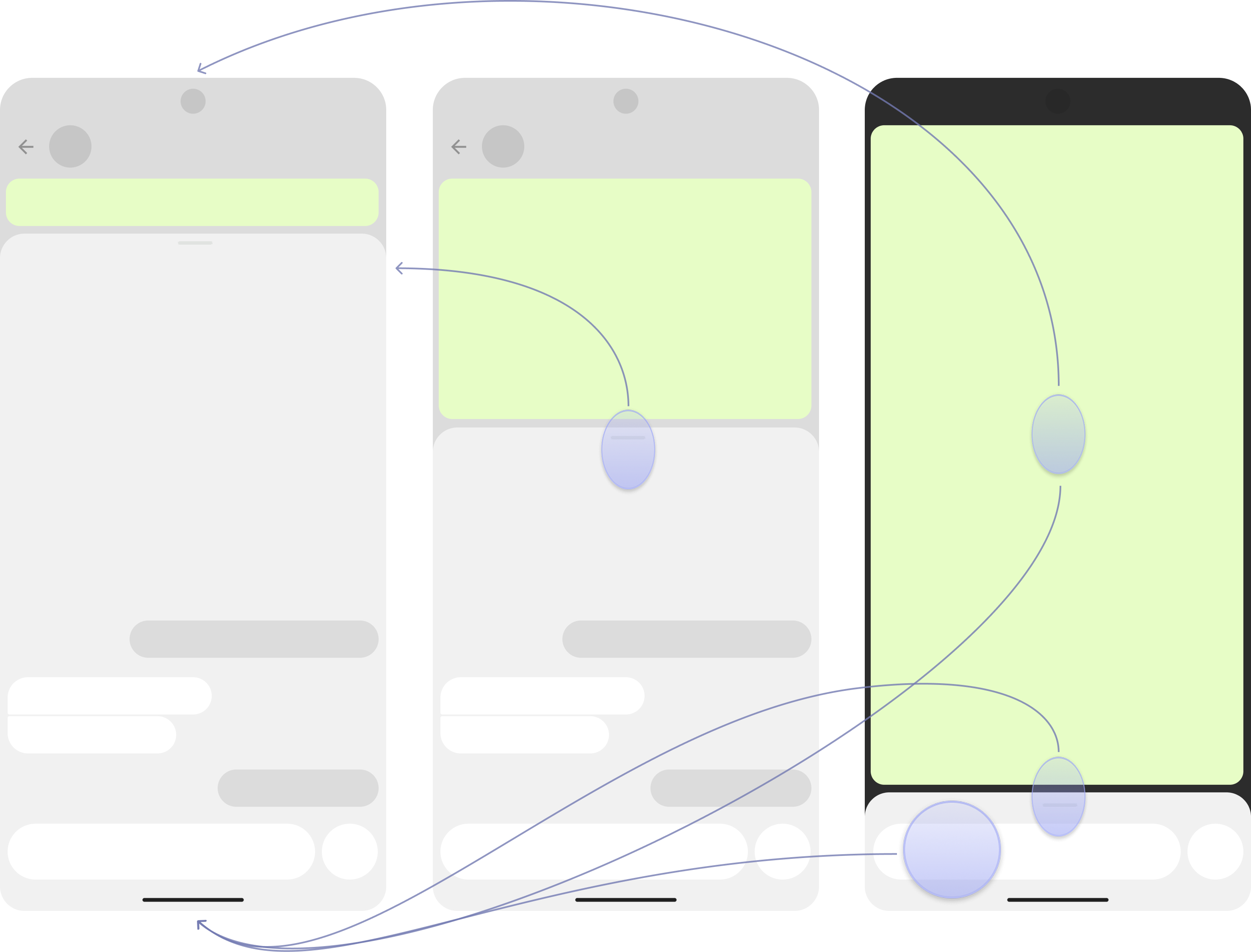
The interaction pattern of moving between activities leverages a familiar Android pattern, as it adopts the swipe and tap system similar to the Notification drawer. Prototyping was conducted with users to validate this would fare well in the messaging context.

Outcome

An MVP version of the experience has shipped with Live Location Sharing being the first extension - paving the way for future 1P and 3P integrations.

Press

Google Messages Real-Time Live Location Sharing Rolls out - 9to5 Google