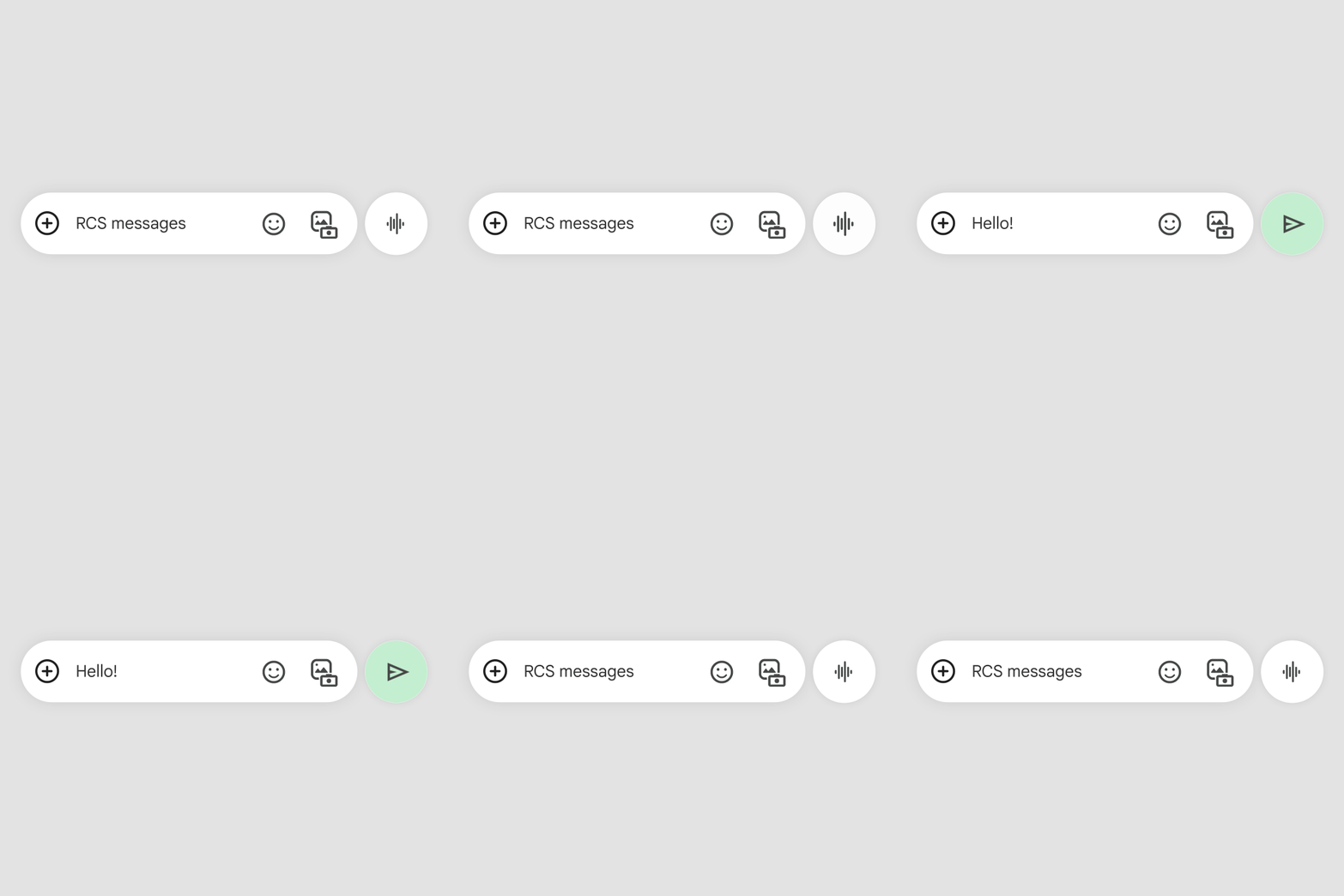
Redesigned the message composition interface to be more intuitive and feature-rich while maintaining simplicity.
The new design provides quick access to AI-powered suggestions and rich media without cluttering the interface.
 Google Messages
Redesigned the message composition interface to be more intuitive and feature-rich while maintaining simplicity.
The new design provides quick access to AI-powered suggestions and rich media without cluttering the interface.
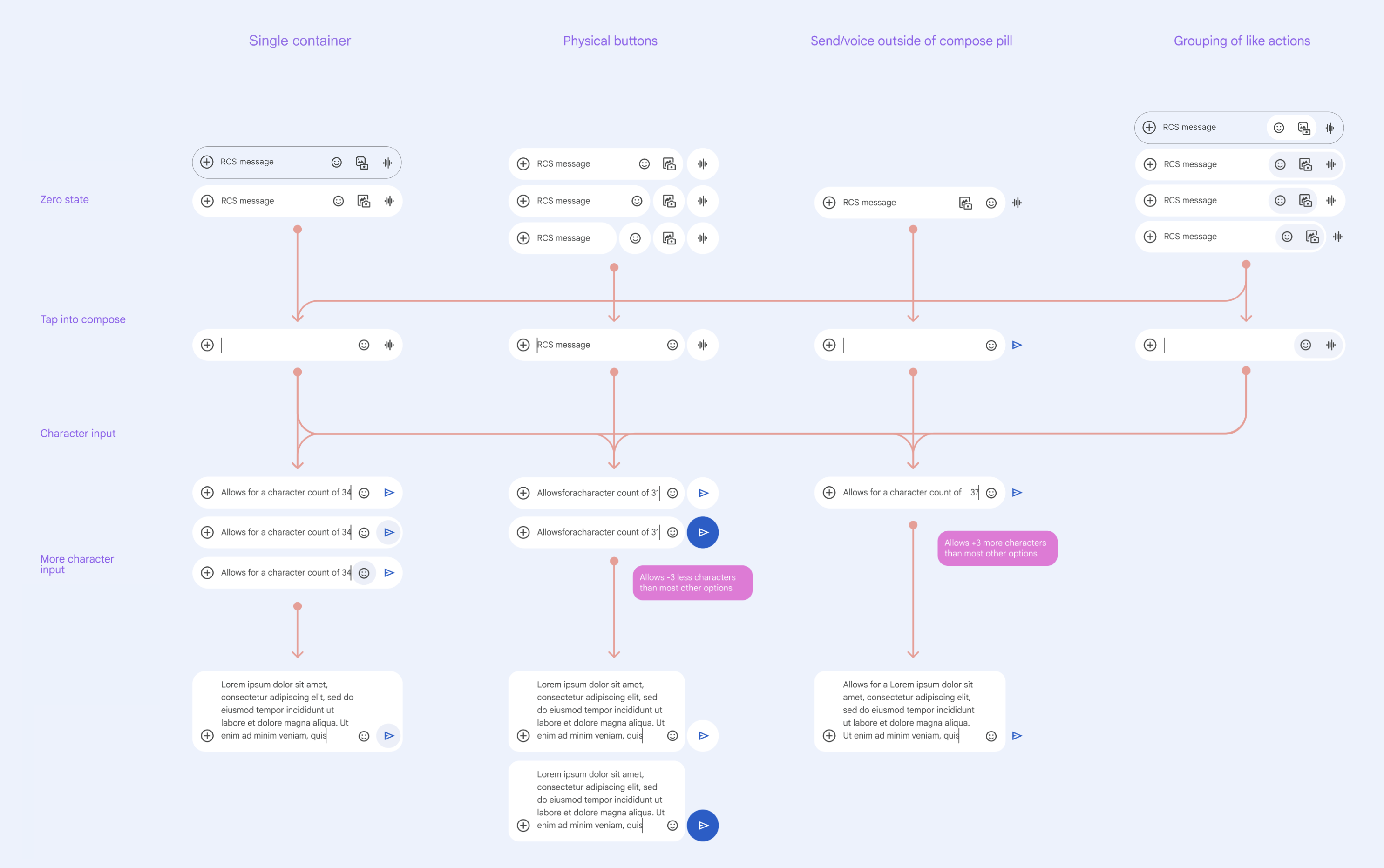
Explored a broad set of approaches in a matrix organized by variants.

Full map of variants
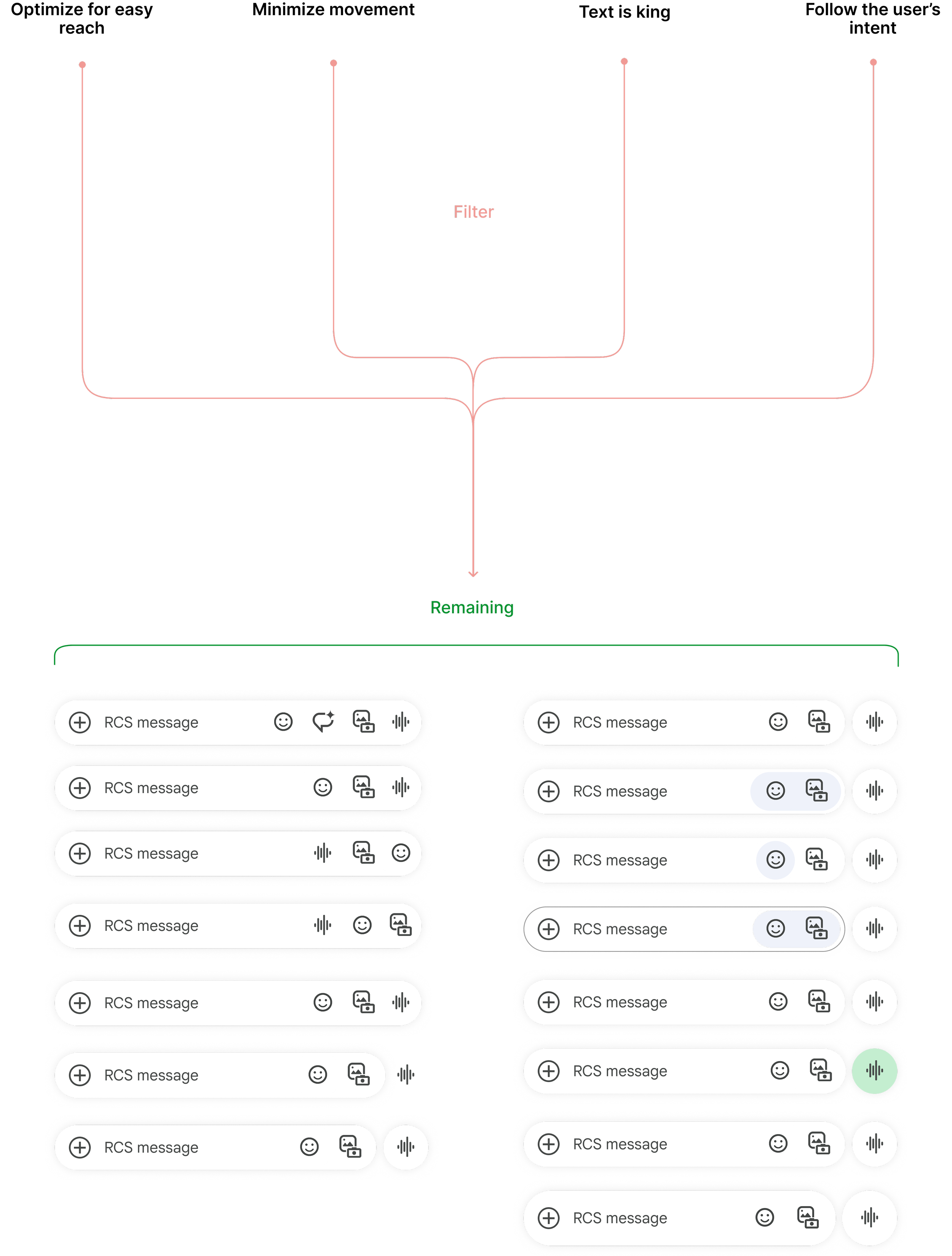
Principles established to narrow down options.
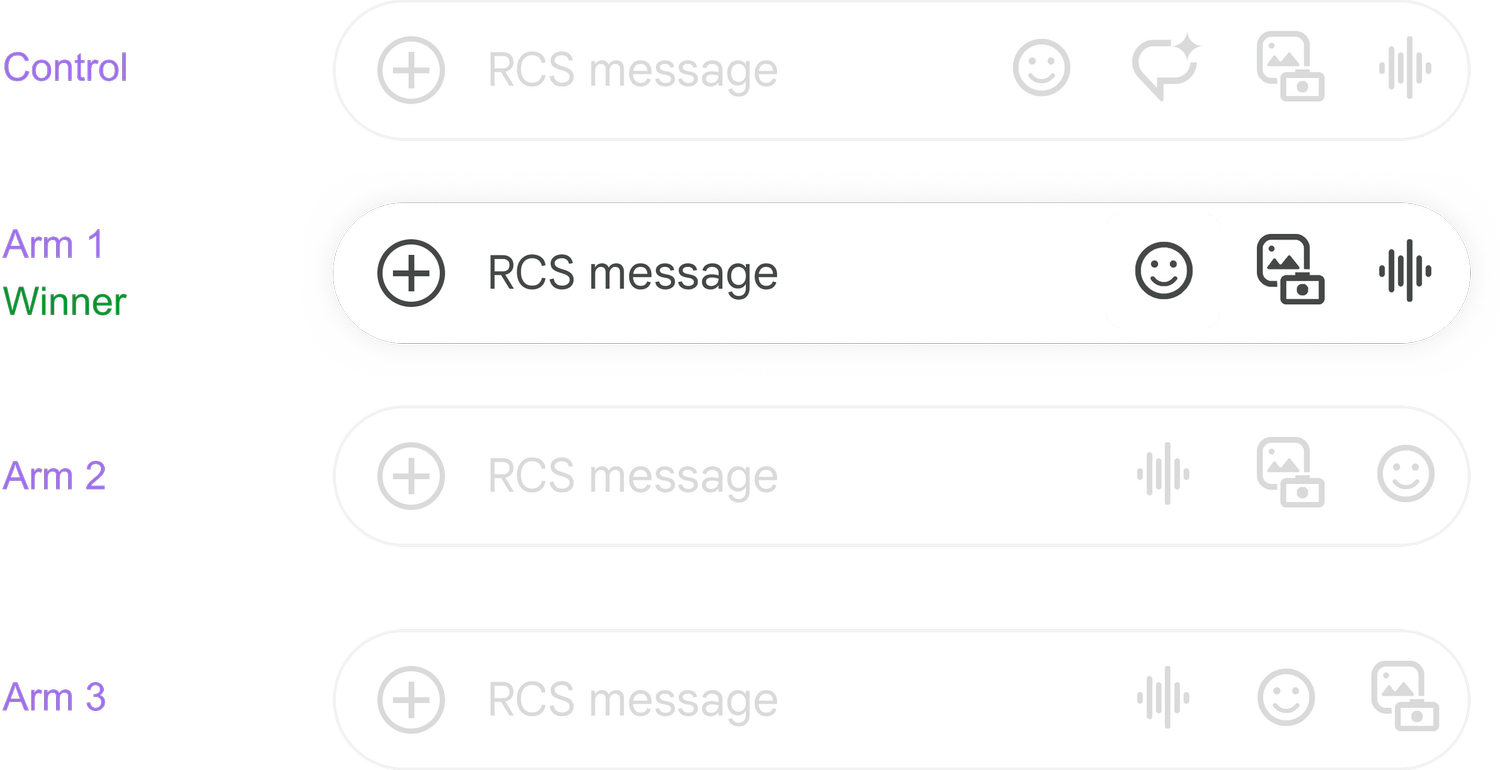
With Data Science, created a progressive experiment plan to test the hypothesis. First, reverting to the original design before the dip in engagement, then tested incremental changes until the desired result.
Step 1: Revert to original design

Step 2: Move important actions to the right
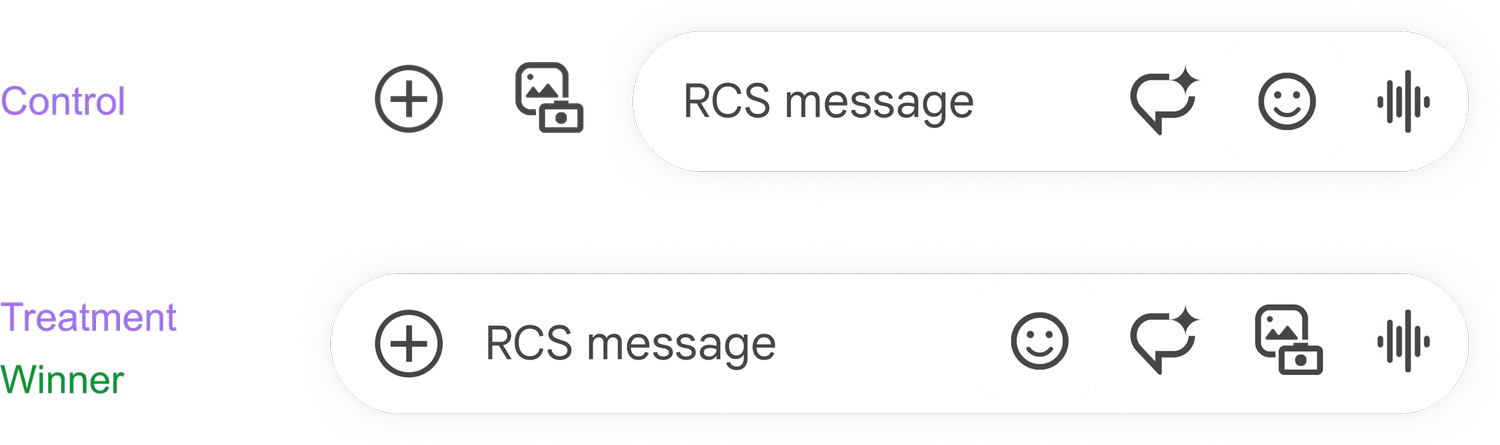
Step 3: Remove and reorder actions
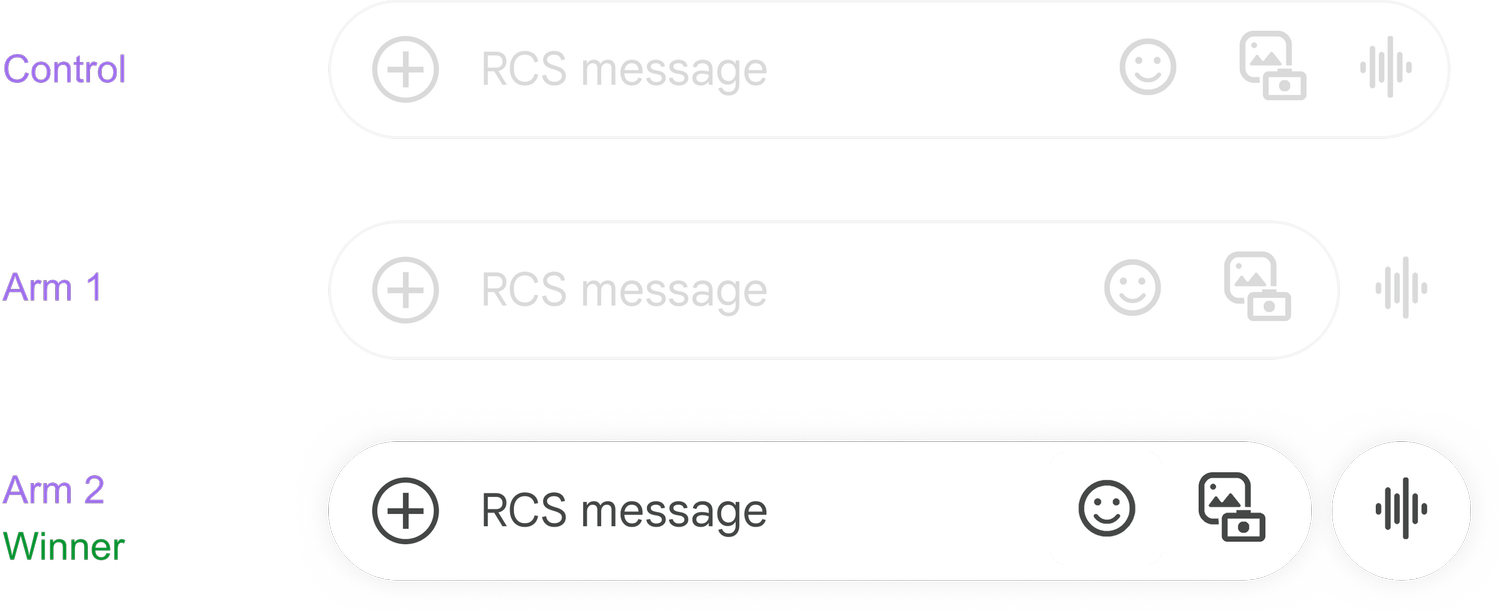
Step 4: Move voice action outside of input box
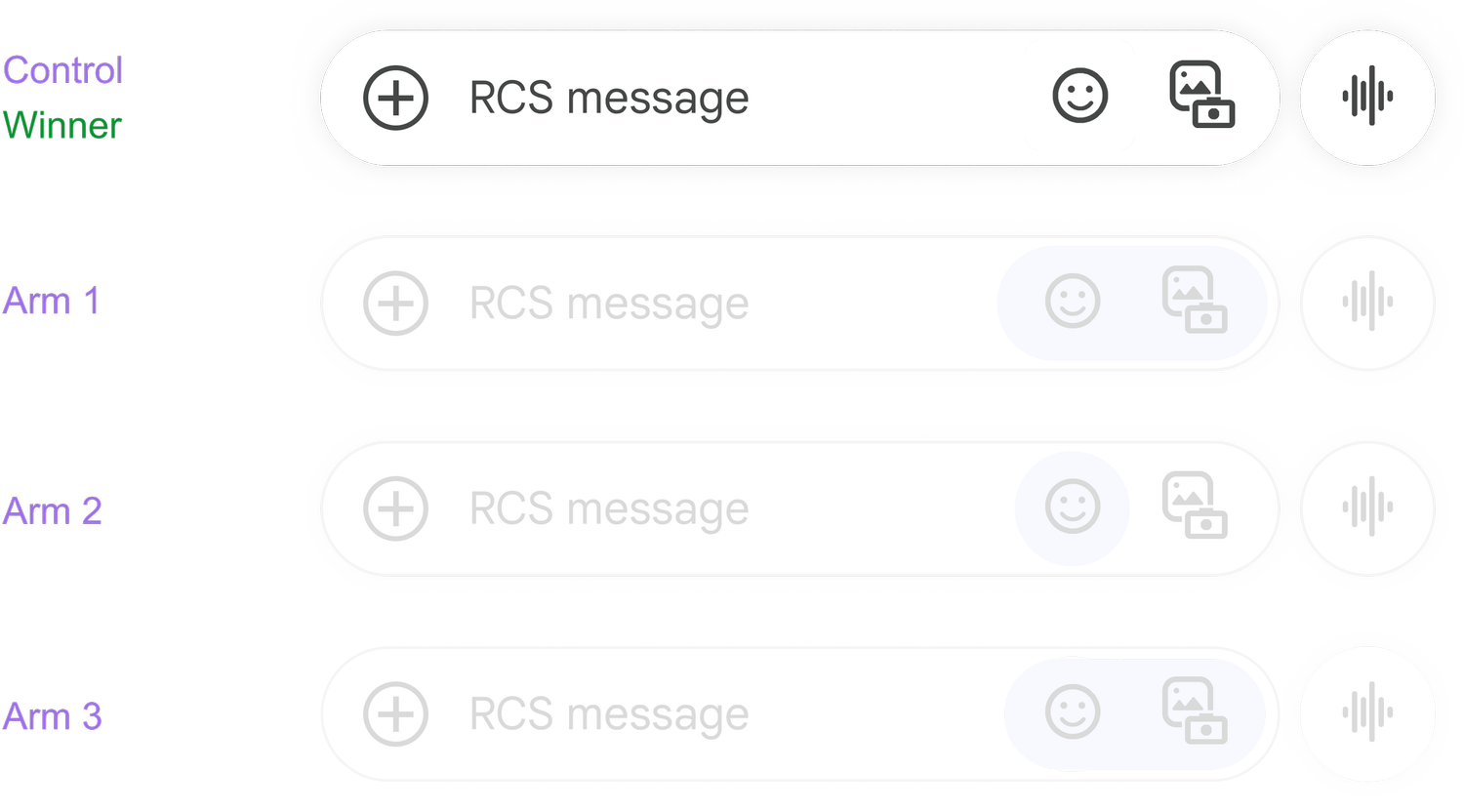
Step 5: Visually group actions
Step 6: Apply color to send action
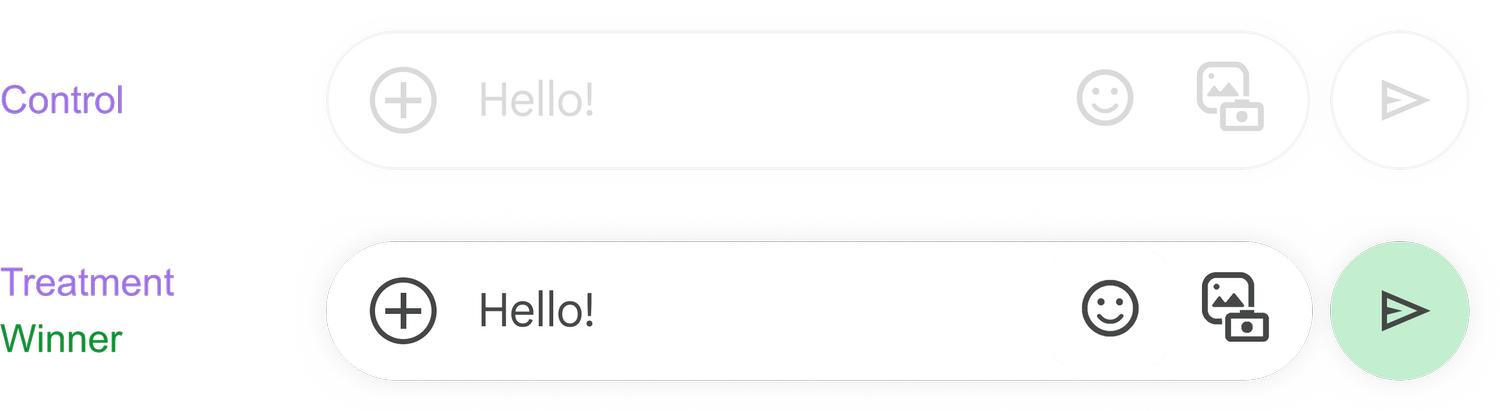
Step 7: Taller container
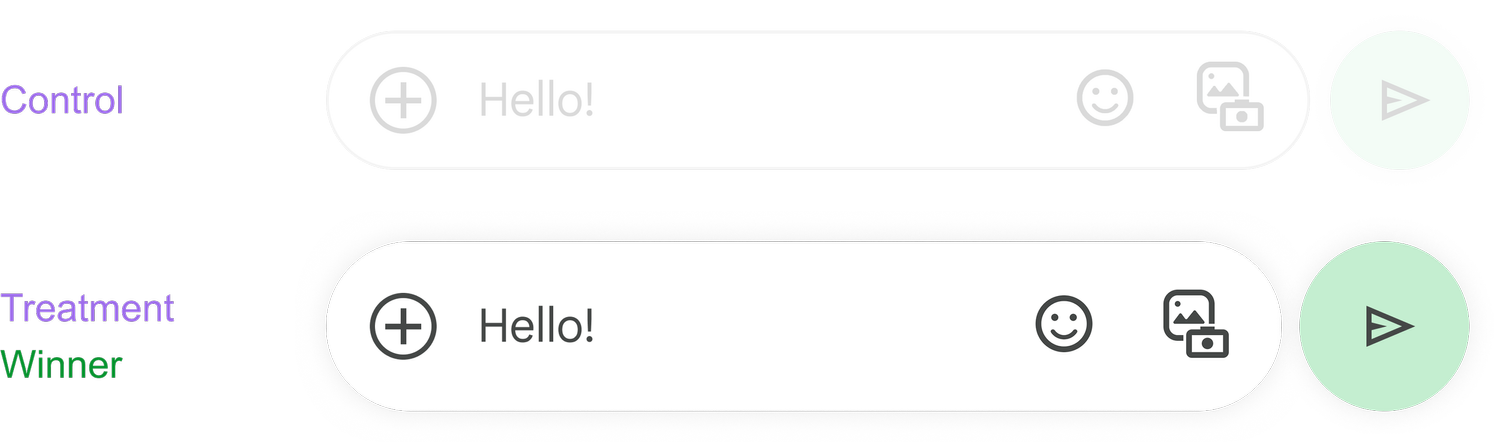
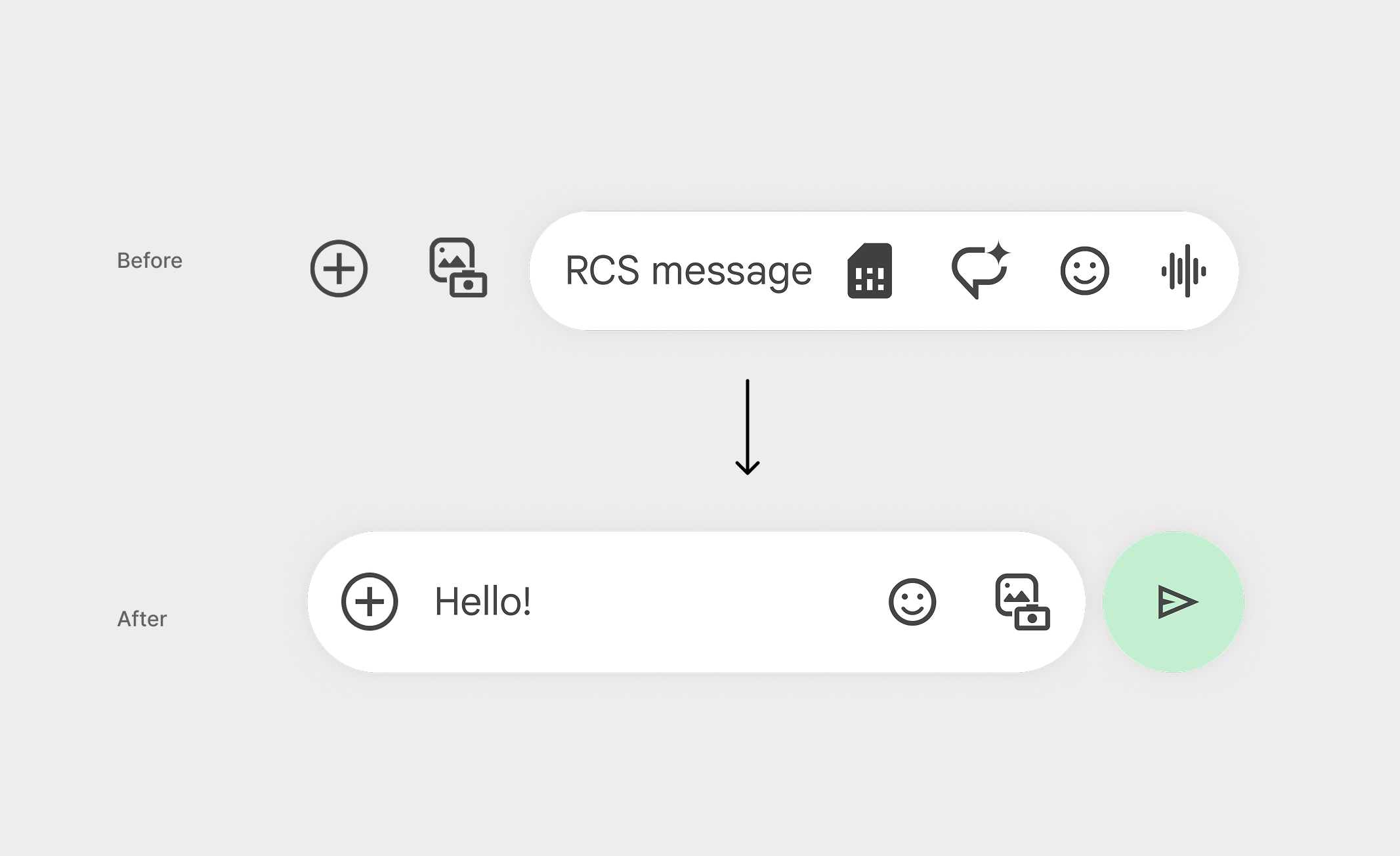
The effort included both a phased design and testing approach, resulting in recovered metric losses and increased voice message usage by 5.7%.
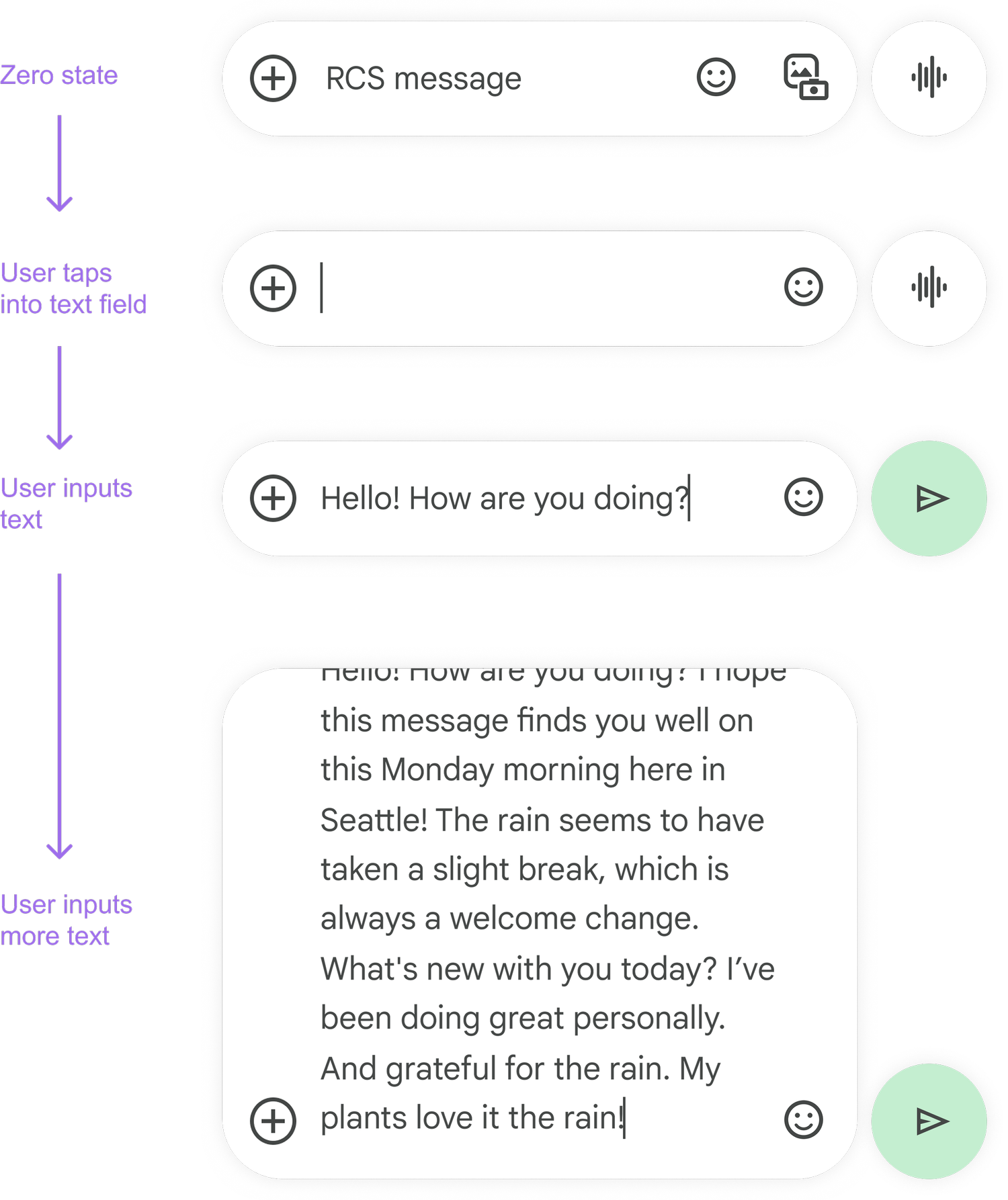
Additionally, having a taller text input box, support for more text, and bold coloring of the Voice / Send buttons created brand differentiation from competitors, a priority for Google.
All compose states:
Press
Google Messages is finally doing something about its annoying compose box limit - Android Authority
Google Messages could make it easier to view your lengthy texts before sending them - Android Police